r/ShopeePH2026
Buyer sent “damaged item” photos with the Gemini AI watermark still visible — the boxes were completely intact.
2,425200 comments
Anyone can now add fake damage to a photo in ten seconds and ask you for a refund. We check the photo before you pay, and hand you the evidence.
Not built yet — this is a pre-launch page. No card needed to join the free list.
Sellers have been warning each other about this all through 2026. Every card below is a real post from a public seller community.
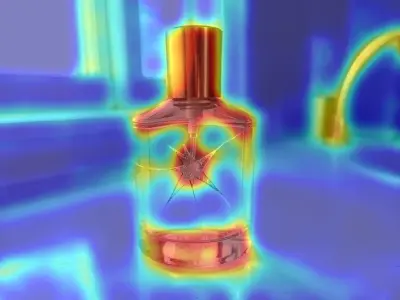
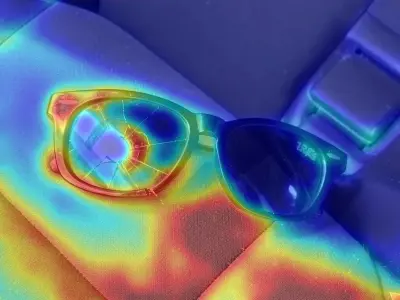
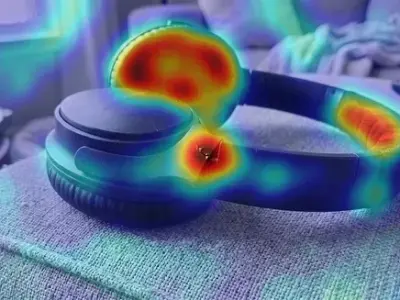
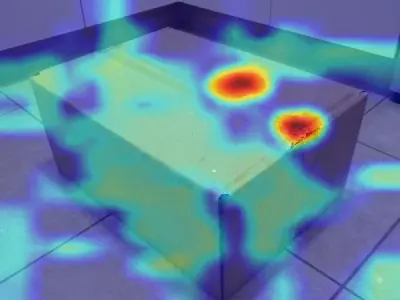
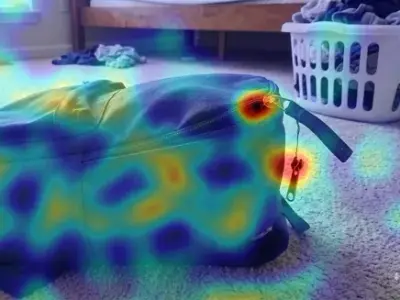
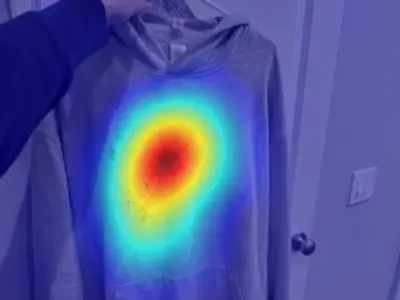
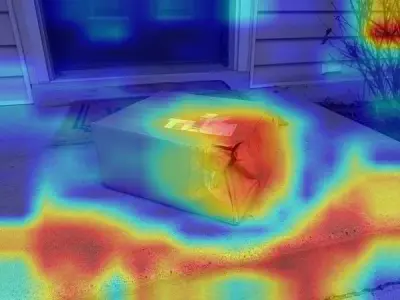
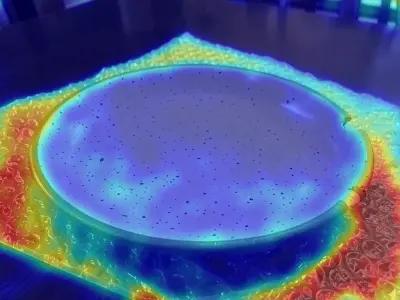
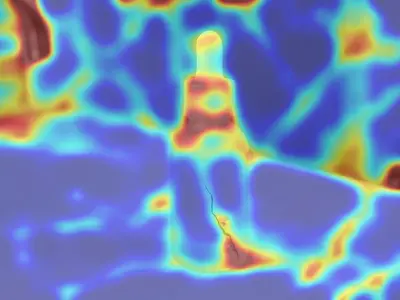
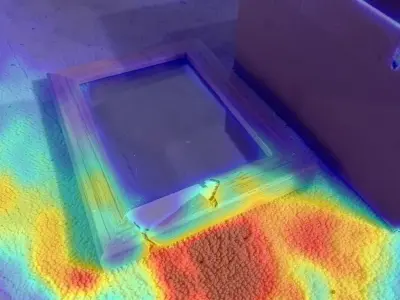
Left is the photo the customer sent. Right is the same photo through Sorquil's checks: a heat map of where the signals cluster, and a forensic view of what each check found.
These are sample photos with damage added, run through the checks to show what a result looks like. A result is evidence for your decision, never a verdict: a red result isn't proof of fraud, and a green one isn't a guarantee.
The dashboard is where Sorquil starts. It only needs the photo, so it works for sellers on any platform — nothing to install, no store to connect.
Add the customer, order and product if you like. Only the photo is required.
Camera data, compression, noise, frequency patterns, an AI detection model, AI tool markers and a duplicate check.
A heat map and a forensic view show where the signals are, with the likely AI tool when it can tell.
Download the branded PDF, email it to the customer, or copy a link into a chat or dispute.
 SorquilFernhill & Co.Demo with sample data
Only the photo is required. Everything else makes the report better.
Customer's photo

In the live dashboard you drop in the photo the customer sent: from email, chat, a marketplace message or a dispute.
Every scan, green results included, becomes a PDF branded as your own document. Your customer can see what was found for themselves.
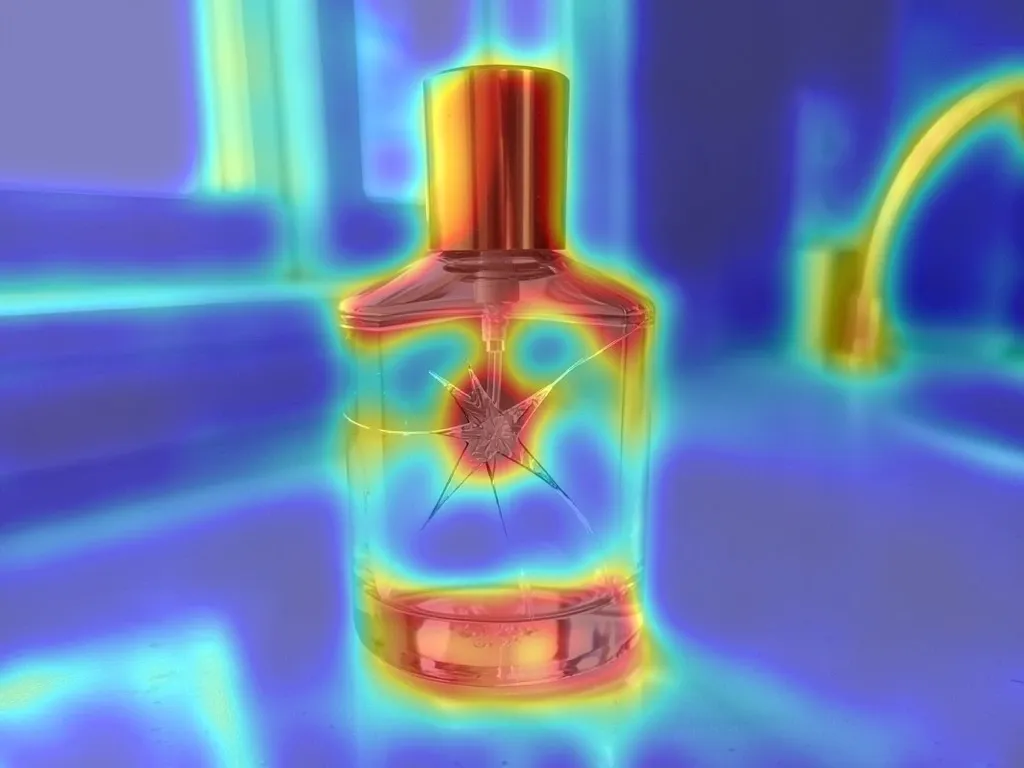
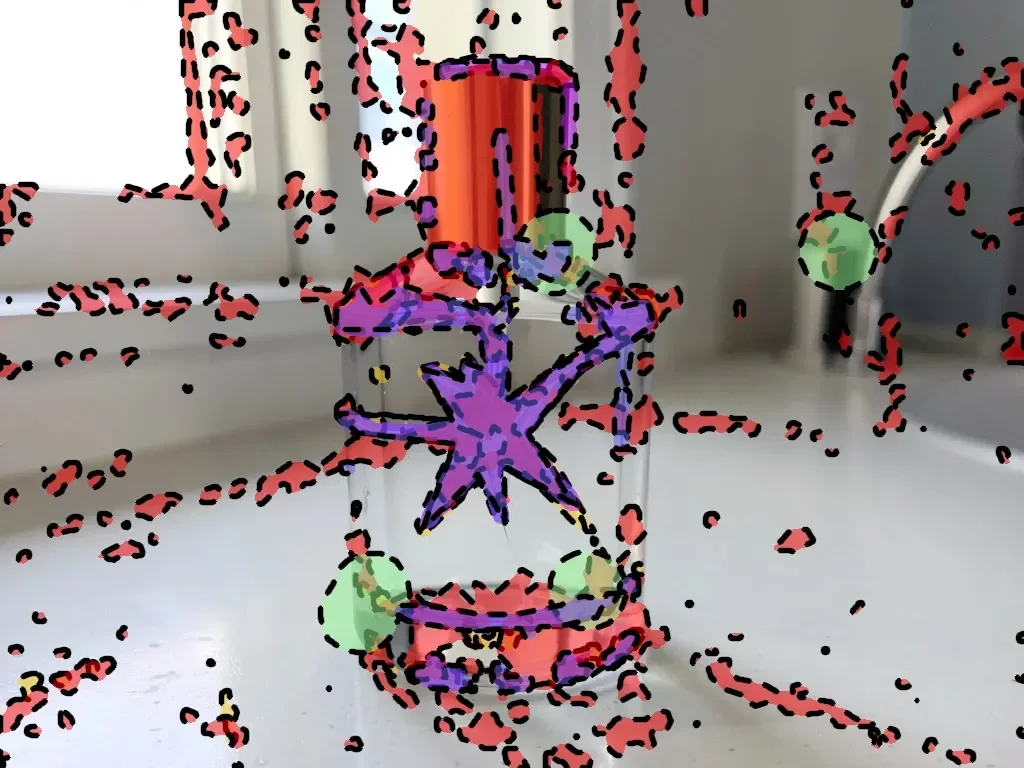
Summary. This photo carries content credentials saying an AI tool edited it, and it has no camera data. The star-shaped crack was saved differently from the rest of the bottle. This is consistent with damage added to a real photo using AI.
What this report can and can't tell you. It presents forensic signals found in the image. It is evidence to support your decision, not a definitive finding that the image was or was not altered.
“How do I say no without an angry customer, a bad review and a chargeback?”
Send the analysis instead of an accusation. The seller doesn't have to argue; the evidence speaks. The same PDF can go into an eBay, Vinted, Amazon, PayPal or chargeback dispute.
The web dashboard is where every account lives. The Shopify plugin, the API and the MCP connection all feed into it: the same seven checks, the same evidence, the same history.
In build Planned or future
Same inputs and outputs as the dashboard, through code instead of a web page. Your system sends the photo and the claim details, and gets back the result, both evidence images, the likely AI tool and the PDF.
Planned. Endpoint names and fields may change before launch.
curl https://api.sorquil.com/v1/scans \
  -H "Authorization: Bearer $SORQUIL_API_KEY" \
  -F photo=@claim-10470.jpg \
  -F customer_name="Alex K." \
  -F order_id="10470" \
-F product="Low-top canvas sneaker"{ "id": "scan_8f3k2m", "result": "signs_of_ai_editing", "likely_tool": "unknown", "checks": { "camera_data": "No camera data in the file", "compression": "The tear was saved differently", "noise": "Grain breaks around the hole", "frequency": "Some AI-typical patterns", "ai_model": "Consistent with AI editing", "ai_markers": "No AI marker found", "duplicate": "Similar photo on an earlier claim" }, "summary": "This photo has no camera data. The torn area was saved…", "heatmap_url": "https://files.sorquil.com/scan_8f3k2m/heatmap.png", "forensic_url": "https://files.sorquil.com/scan_8f3k2m/forensic.png", "report_pdf_url": "https://files.sorquil.com/scan_8f3k2m/report.pdf", "dashboard_url": "https://sorquil.com/scans/scan_8f3k2m"}MCP is the standard way AI agents use outside tools. Connect Sorquil, and the agent that answers your customers can check a claim photo by itself, then hand you the result and the report.
No uploading, no remembering to check. Every claim photo is checked the moment the customer sends it, inside the refund flow you already have.
They open their order and click to request a return or a refund, as they do today.
It takes on your store’s colours, fonts and return rules, and adds the photo upload Shopify’s standard page doesn’t have.
The result appears in Sorquil and inside Shopify, colour-coded.
Claims with strong signs of AI editing can be held for review before any money is refunded.
The report is ready to send either way. The decision stays yours.
The same approach will come to other e-commerce platforms over time. None are available yet. Until then, the dashboard works with any platform, and the API can connect your own systems.
Forensic checks and heat maps already exist, and any chatbot will give you an opinion. What was missing is everything around them, built for a seller answering a refund claim.
| What a seller needs | Sorquil | Other AI detectors | AI chatbotsChatGPT, Gemini, Claude | Forensics websites | Enterprise fraud platforms |
|---|---|---|---|---|---|
| Several independent checks, not one score | Yes | No | No | Yes | Varies |
| Shows where the edit is, with a heat map and forensic image | Yes | Rarely | No | Yes | Not the focus |
| Names the likely AI tool | When it can tell | Some | Not reliably | Some | Not the focus |
| Plain-English explanation a customer can follow | Yes | No | An opinion | Technical | No |
| Report branded with your store and logo | Yes | No | No | No | No |
| Claim details on the report | Yes | No | No | No | Internal only |
| Send it to the customer from the tool | Yes | No | No | No | No |
| Saved products and scan history | Yes | No | No | No | Varies |
| Analytics: claims, flags, money protected | Yes | No | No | No | Varies |
| Works for any platform, no integration | Yes | Yes | Yes | Yes | No |
| Automatic inside the refund flow | Shopify first, more later | No | No | No | Enterprise only |
| API and AI-agent (MCP) access | Yes | API | Yes | Rarely | Yes |
| Affordable for small and mid-size sellers | From $9 | Yes | Yes | Yes | No |
| Honest about uncertainty | Always | Varies | Varies | Varies | — |
The Sorquil column describes the product as designed; it's in build, and the web dashboard comes first. ChatGPT, Gemini and Claude are general assistants, not forensic tools, and are compared here only for this job.
Any physical product, on any platform, from a small shop to a big brand. What matters is how often you sell and what your refund policy asks for.
Sorquil fits if all four are true
Probably not a fit
Any product, any kind of fake damage
Rest on a photo to see its heat map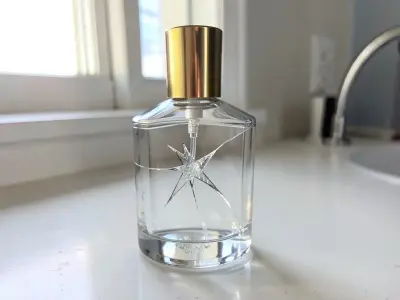 Cracked glass
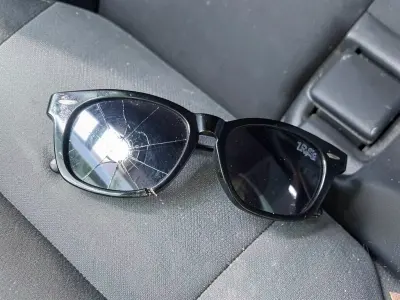 Shattered lens
 Cracked casing
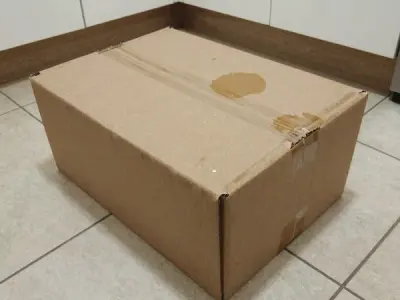 Water damage
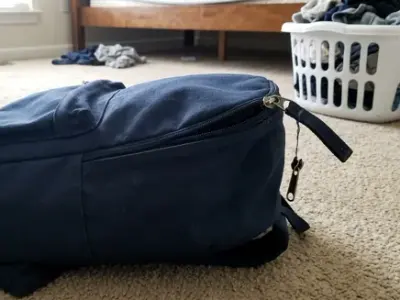 Split seam
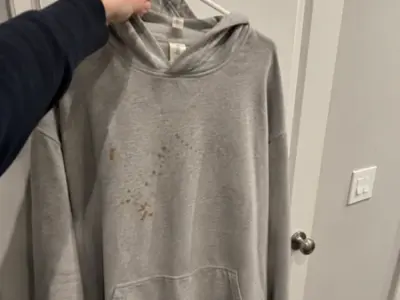 Stains
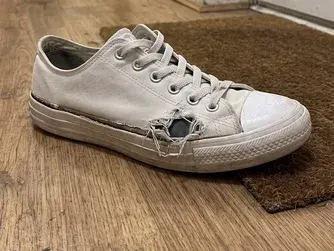 Torn canvas
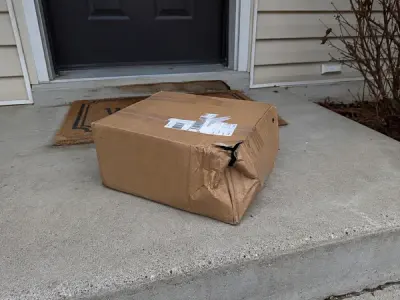 Crushed box
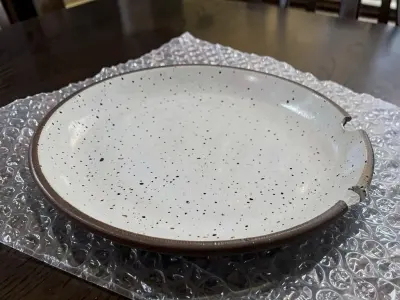 Chipped rim
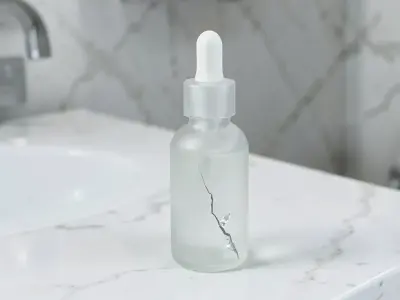 Cracked bottle
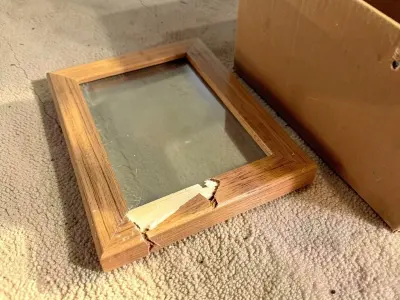 Broken corner
Clothing, shoes, bags, glass, ceramics, electronics, beauty, food, furniture, parcels. Sorquil checks the photo, not the product.
The dashboard only needs the photo, so it works for sellers on
Move the sliders to see what's at stake. We don't guess how many fakes Sorquil would catch for you, because no tool can promise that.
An illustration, not a promise. Starter is the planned launch price for 100 scans a month.
We're building this now. Joining the list costs nothing. Founding members fund the build, get a full year, and lock their rate after it.
We'll email you once, the day the dashboard opens. Early access goes out in list order.